P0 QUERYSandustry blueprint import export copy paste
Sandustry Blueprints: Import & Export
DIRECT ANSWER
Sandustry blueprints start with the copy flow: press C for select mode, mark the structure, and press Ctrl+C; Ctrl+V pastes the current selection. To save it, open Building → Blueprint and use the save icon beside a recent Clipboard History item. Import and Export use a shareable blueprint string. Ctrl+H flips a copied or selected structure. These are default bindings and may differ after rebinding.
- Select
- C
- Copy / paste
- Ctrl+C / Ctrl+V
- Flip
- Ctrl+H
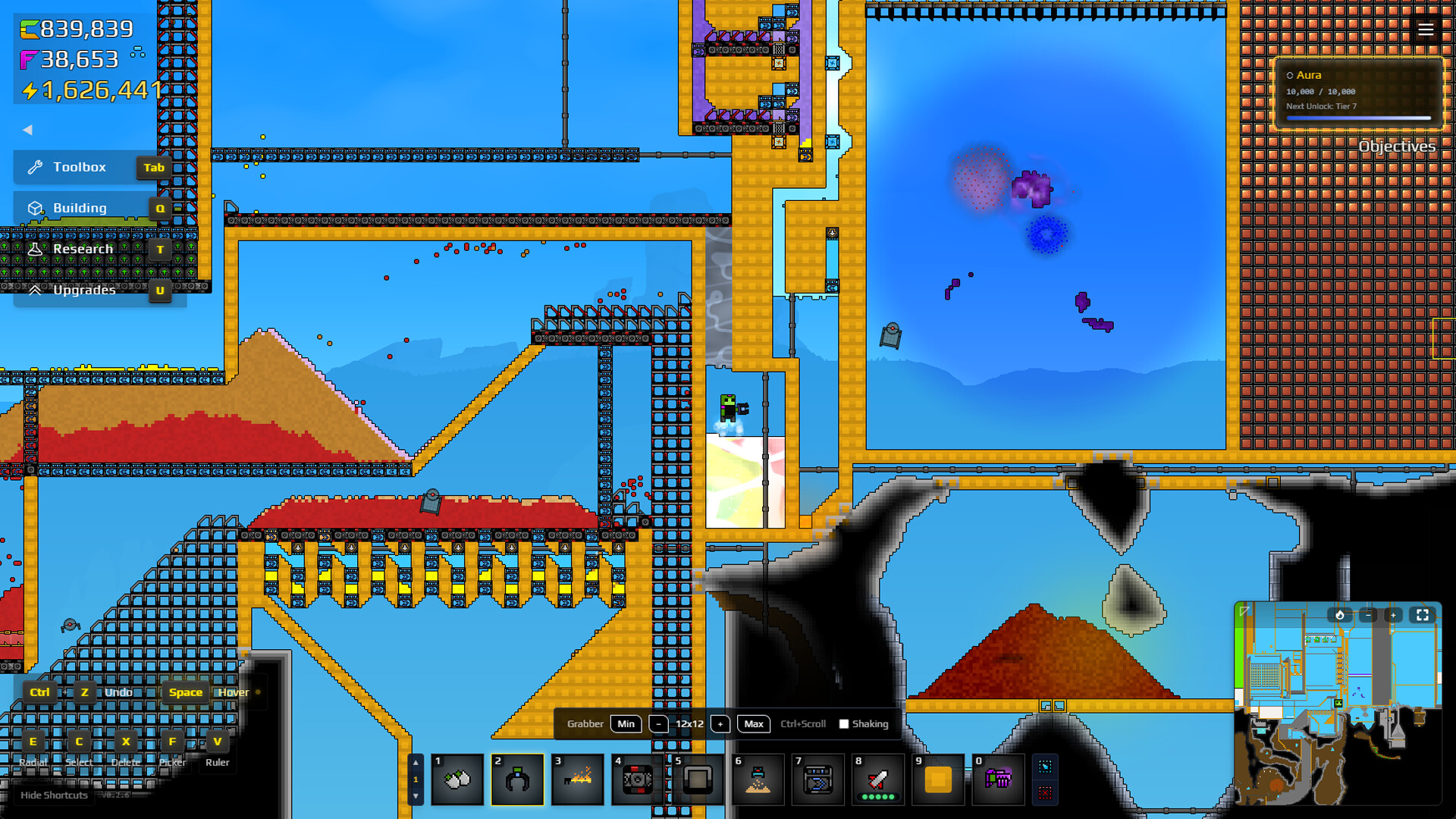
The screenshot shows layered conveyors and the Building control. It does not demonstrate select mode, clipboard history, import, export, or any keybinding.
Open exact official image © Lantto Games / Hooded Horse. Official Steam store screenshot showing v0.2.6; historical visual context only, not the current interface.Player question: A player wants the current default-key flow for copying a structure, saving it, and sharing a blueprint string.
Copy a structure into clipboard history
The official FAQ describes the current default-key path.
- Press C to enter select mode.
- Mark the structure you want to copy.
- Press Ctrl+C to copy it.
- Press Ctrl+V to paste the current copied structure.
- Press Ctrl+H to flip the copied or selected structure.
Turn a recent copy into a named Blueprint
Open Building → Blueprint. In Clipboard History, use the save icon on a recent item and give it a name. This turns a transient copy into a reusable Blueprint entry; the source does not publish a filesystem location for that entry.
Share a blueprint string—not a promised file format
Use Export to create a string that can be copied and shared. Use Import and paste a received string into the dialog. Cross-version behavior, modded or locked buildings, clipboard persistence, and platform compatibility remain undocumented.
SOURCE LEDGER / P0 / BLUEPRINT DESK
Trace the answer before trusting it.
E1 is current first-party evidence. E2 is dated first-party or publisher-hosted reference material. E3 is timestamped public gameplay. Early Access updates can supersede any version-sensitive detail.
- E2Official developer FAQposted Aug 12, 2026; checked 2026-08-16↗
- E2Publisher-hosted Beginner's Guidelive community-editable reference; checked 2026-08-16↗
- E2Official Steam screenshot: layered factory controls1920×1080 asset checked 2026-08-16 16:07 CST↗
Publication limit: The current FAQ supports the default keys and string workflow; fixed file paths, all rebinding states, mod compatibility, and cross-version success are not established.